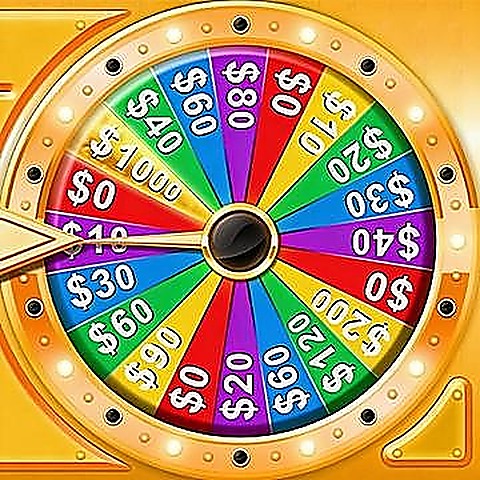
Controls and Objective: Game Box
Before trying to play fast, use the opening round of Game Box to identify the goal and the safest control pattern. Keep the round focused on one outcome first: clear each board with efficient moves. For Game Box, scan the full layout before the first move, then work from the tightest space outward. When a Game Box round feels difficult, compare two possible moves and choose the one that keeps the next step readable.
Editor Play Notes
Our review notes for Game Box focus on its compact problem-solving rhythm. It works best when players watch the layout, test a move, and refine the next attempt.
Quick Questions
Does Game Box require a download?
No. Game Box opens through the browser play page on Paymygame, so visitors can read the guide first and then start the game without installing an app from this site.
Who should try Game Box first?
Players who enjoy reading the Game Box board carefully before making the first move.
What should I check before the first move in Game Box?
Before moving in Game Box, scan blocked spaces, open lanes, repeated colors, and any area that could become crowded after one choice.
More Games to Try
Selected from nearby play styles so the next choice feels familiar.